Managing improvement projects often means juggling multiple timelines, meetings, milestones, and deadlines all at once.
When important dates live separately from your daily calendar, it becomes easier for tasks to slip through the cracks. That’s why Kure now allows you to synchronize your Project Timeline dates directly with your calendar!
With this new feature, your projects stay connected to the schedule you already use every day, helping teams stay aligned, organized, and focused on execution.
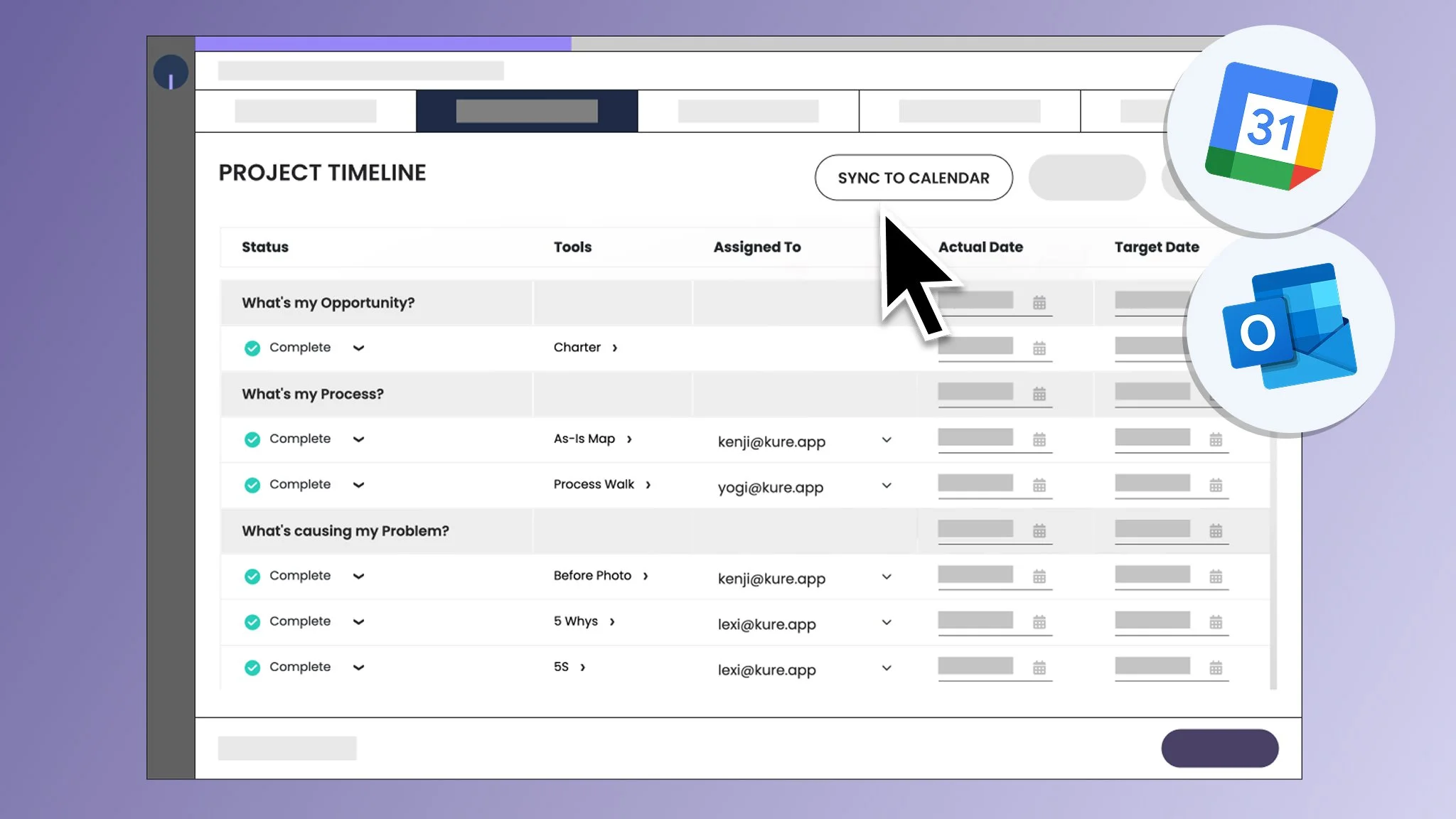
Keep Your Work Visible Every Day
The Kure Project Timeline helps teams organize work across each stage of an improvement project, from identifying opportunities to implementing and sustaining solutions.
Now, instead of manually tracking dates in separate apps, users can sync their timeline activities directly into your calendar.
This allows teams to:
View project tasks alongside daily meetings and schedules
Stay aware of upcoming tool deadlines and milestone dates
Improve accountability across project members
Reduce missed follow-ups and overdue activities
By integrating your project work into the calendar teams already use daily, improvement initiatives stay more visible and easier to manage!
Try It With Your Team
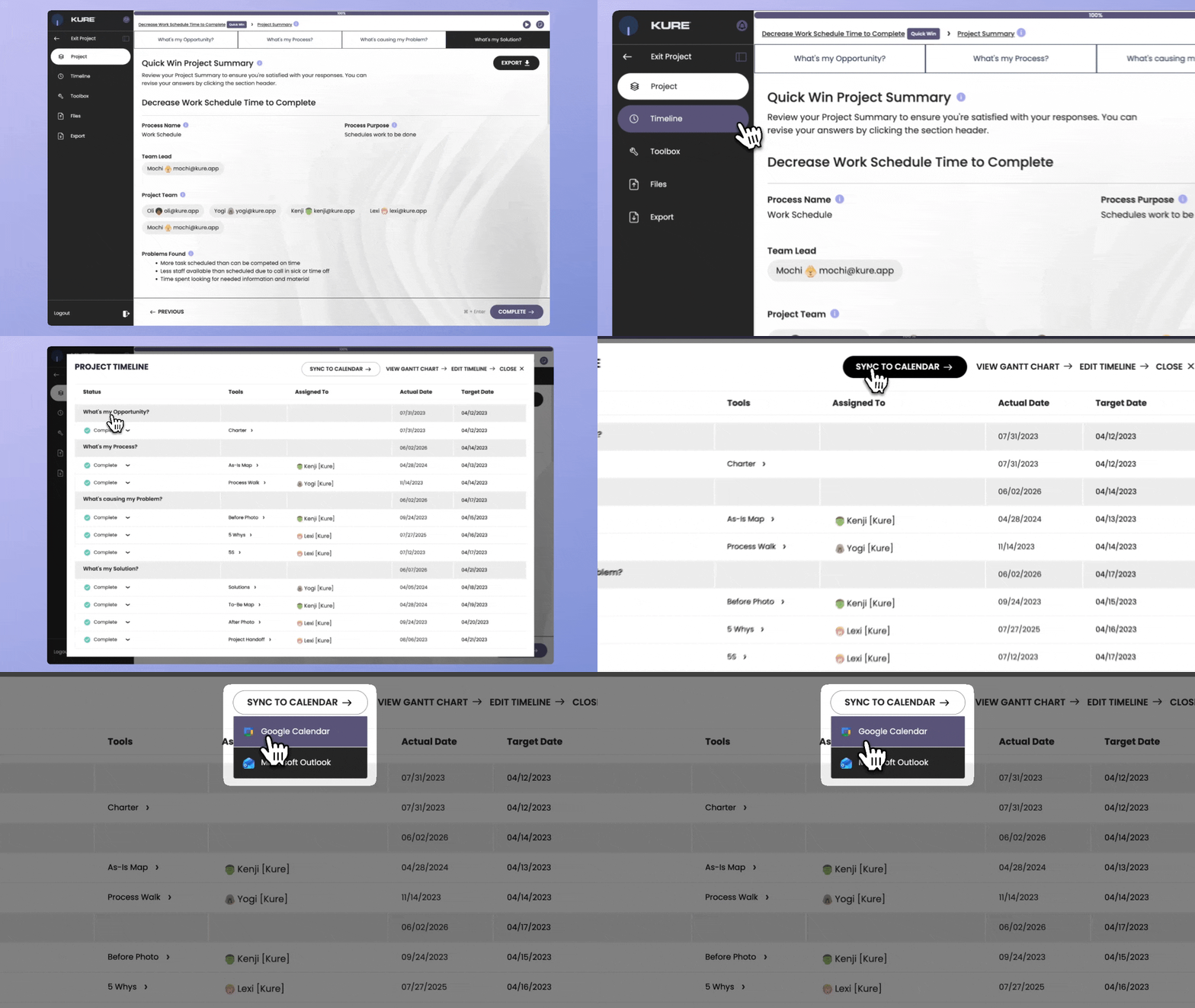
If you already have a project in Kure, you can start synchronizing your Project Timeline dates with calendar right away. Simply open the Project Timeline and click ‘Sync to Calendar’ to connect your preferred calendar. Once connected, your project tools and target dates can automatically appear in your calendar so your team stays aligned on upcoming work and deadlines.
If you’re new to Kure, you can create a project and explore how the timeline helps keep improvement activities organized and visible throughout the project lifecycle.
It’s a simple way to improve visibility, reduce missed deadlines, and keep your team connected to project execution every day!